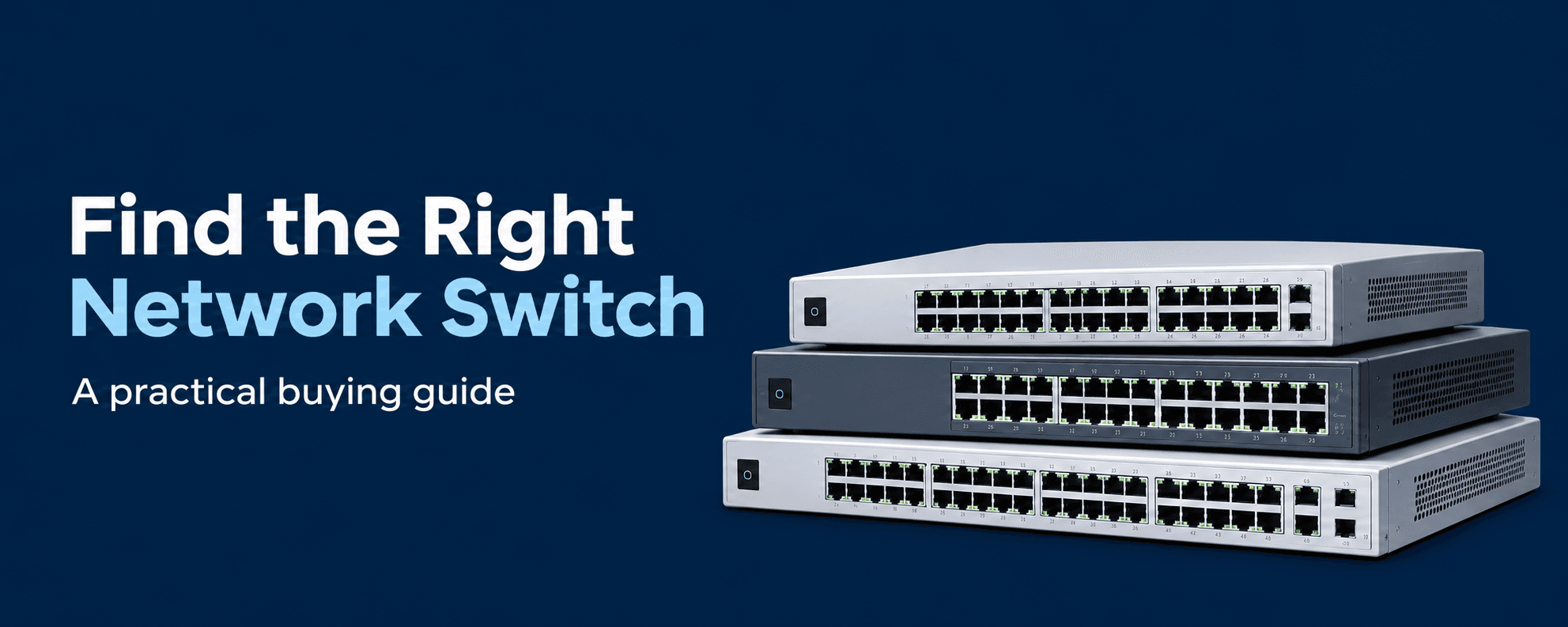
How to Choose the Right Network Switch for Your Business
Choosing the right business network switch is essential for building a reliable, secure and scalable IT infrastructure. The switch you select affects how efficiently your organisation connects devices, manages network traffic and supports day-to-day operations.
However, with different port configurations, switching speeds, management capabilities and Power over Ethernet (PoE) options available, choosing the right equipment requires careful evaluation. Businesses need to consider their current network requirements alongside future growth to avoid performance limitations and unnecessary costs.
This guide explores the key factors to consider when selecting a network switch, helping UK businesses make informed technology and procurement decisions.
What Is a Business Network Switch?
A business network switch is a networking device that connects multiple devices within a local area network (LAN), allowing them to communicate and share data efficiently. It receives data from connected devices and forwards it to the appropriate destination through the correct network port.
Businesses use network switches to connect computers, servers, printers, IP cameras, wireless access points and other network-enabled equipment. By directing data traffic between connected devices, switches help maintain organised and efficient communication across an organisation's network.
Unlike a basic network connection that simply links devices, business switches are available with different capabilities, including network traffic management, VLAN support, Power over Ethernet (PoE) and high-speed uplink connectivity. These features allow organisations to build networks that meet their operational requirements and support future expansion.
5 Factors to Consider When Choosing a Business Network Switch
Selecting a network switch involves more than comparing prices or counting Ethernet ports. Businesses need to evaluate their existing infrastructure, connected devices, network performance requirements and future expansion plans.
The following five factors can help IT teams and procurement managers identify a suitable switch while avoiding unnecessary hardware costs or performance limitations.
1. Number of Ports and Future Expansion
The number of ports determines how many devices can connect directly to a network switch. Businesses should assess their current device requirements and allow additional capacity for future growth.
For example, a small office connecting computers, printers and wireless access points may require fewer ports than a larger organisation operating multiple departments, servers and IP cameras.
Common switch configurations include:
- 8-port switches: Suitable for small offices and limited network environments.
- 16-port switches: Useful for growing teams with additional connected devices.
- 24-port switches: Commonly used in small to medium-sized business networks.
- 48-port switches: Suitable for larger offices, enterprise environments and network access deployments.
When calculating port requirements, businesses should also consider uplink connections, additional equipment and future expansion. Choosing a switch with spare capacity can reduce the need for frequent hardware replacements.
2. Managed vs Unmanaged Switches
One of the most important decisions when choosing a business network switch is determining whether your organisation needs a managed or unmanaged solution. The right option depends on the size of the network, operational complexity and level of control required.
| Feature | Managed Switch | Unmanaged Switch |
|---|---|---|
| Configuration | Configurable settings | Plug-and-play |
| Network monitoring | Advanced monitoring options | Limited or unavailable |
| VLAN support | Available on supported models | Generally unavailable |
| Traffic management | Advanced controls, depending on model | Basic forwarding |
| Best suited for | Complex business networks | Small, simple networks |
Which should your business choose?
Businesses requiring greater control, network segmentation and ongoing monitoring should consider managed switches. Smaller environments with straightforward connectivity requirements may find unmanaged switches sufficient.
3. PoE Requirements and Power Budget
Power over Ethernet (PoE) allows network switches to deliver both data connectivity and electrical power through a single Ethernet cable. This can simplify installations by reducing the need for separate power adapters and electrical connections.
Businesses commonly use PoE to power devices such as:
- IP security cameras.
- Wireless access points.
- VoIP phones.
- Video conferencing equipment.
- Other compatible network devices.
When choosing a PoE switch, businesses should consider two important factors:
PoE standards: Different PoE standards provide different power levels. Common options include:
| PoE standard | Maximum power supplied by switch port |
|---|---|
| IEEE 802.3af (PoE) | 15.4W |
| IEEE 802.3at (PoE+) | 30W |
| IEEE 802.3bt Type 3 (PoE++) | 60W |
| IEEE 802.3bt Type 4 (PoE++) | 90W |
Total PoE power budget: A switch also has a maximum combined power budget across its PoE ports. Businesses should calculate the power requirements of all connected devices to ensure the switch can support them simultaneously.
4. Network Speed and Bandwidth
Network speed plays an important role in determining how efficiently connected devices communicate and transfer data. Businesses should choose a network switch that can handle their current bandwidth requirements while supporting future increases in network traffic.
Most business network switches support Gigabit Ethernet (1GbE), while more advanced models offer multi-gigabit and 10 Gigabit Ethernet (10GbE) connectivity for higher-performance environments.
Common network switch speeds
| Network speed | Maximum theoretical data rate | Typical business applications |
|---|---|---|
| Fast Ethernet (100Mbps) | 100Mbps | Older or low-bandwidth devices |
| Gigabit Ethernet (1GbE) | 1Gbps | Office computers, printers and standard business connectivity |
| 2.5GbE | 2.5Gbps | High-performance wireless access points and faster workstations |
| 10GbE | 10Gbps | Servers, storage systems and high-traffic network connections |
What should businesses consider?
Before selecting a switch, IT teams should evaluate:
- Connected device speeds: Check the Ethernet speeds supported by computers, servers, access points and other connected equipment.
- Switching capacity: Ensure the switch can process traffic across its ports without becoming a performance bottleneck.
- Uplink bandwidth: Consider whether connections between switches, servers and core network infrastructure require higher speeds.
- Future requirements: Allow for increasing data usage, cloud applications, large file transfers and additional connected devices.
5. Layer 2 vs Layer 3 Switching
Network speed and bandwidth are important, but businesses must also consider how a switch manages data traffic across their infrastructure. This is where the distinction between Layer 2 and Layer 3 switching becomes important.
Layer 2 switches operate at the Data Link Layer of the OSI model. They forward Ethernet frames between devices using MAC addresses, making them suitable for connecting devices within the same local network (LAN).
Layer 3 switches operate at both the Data Link and Network Layers. In addition to traditional switching, they can route traffic between different IP networks or VLANs, helping organisations manage communication across multiple network segments.
| Feature | Layer 2 Switch | Layer 3 Switch |
|---|---|---|
| OSI layer | Layer 2 – Data Link | Layer 2 and Layer 3 |
| Forwarding | MAC addresses | MAC and IP addresses |
| Inter-VLAN routing | Not natively supported | Supported |
| Network segmentation | VLAN support on managed models | VLANs with routing capabilities |
| Typical application | Connecting devices within a LAN | Connecting multiple network segments |
Which option should businesses choose?
Layer 2 switches are suitable for straightforward network environments where devices mainly communicate within the same network. Layer 3 switches are more appropriate for organisations with multiple departments, VLANs or network segments that require routing between them.
Why Choose DDevices for Business Networking Solutions?
Selecting networking equipment is an important part of building a reliable business IT infrastructure. However, businesses also need to consider product suitability, procurement requirements and how new equipment will fit into their existing environment.
DDevices supports UK businesses and public sector organisations with technology procurement and IT infrastructure solutions. Its networking product range provides access to equipment from established manufacturers, helping organisations evaluate options according to their connectivity and infrastructure requirements.
Whether your organisation is upgrading existing network equipment or planning a new deployment, explore the DDevices Networking Devices range to review available solutions.
Frequently Asked Questions
The four commonly discussed categories are unmanaged, managed, smart and Layer 3 switches. Unmanaged switches provide basic connectivity, while managed and smart switches offer varying levels of configuration and monitoring. Layer 3 switches additionally support routing between IP networks.
Start by assessing the number of connected devices, required port speeds, PoE requirements and network management needs. You should also consider scalability, switching capacity and compatibility with your existing infrastructure.
A managed switch provides configuration and monitoring features, including VLAN and traffic management capabilities on supported models. An unmanaged switch offers basic plug-and-play connectivity without advanced configuration.
The required number depends on the devices connected to your network. Small offices may need 8 or 16 ports, while growing businesses and larger organisations may require 24-port or 48-port switches. Allow additional capacity for future expansion.
A Power over Ethernet (PoE) switch delivers both data and electrical power through a single Ethernet cable. Businesses commonly use PoE switches to connect IP cameras, wireless access points and VoIP phones.